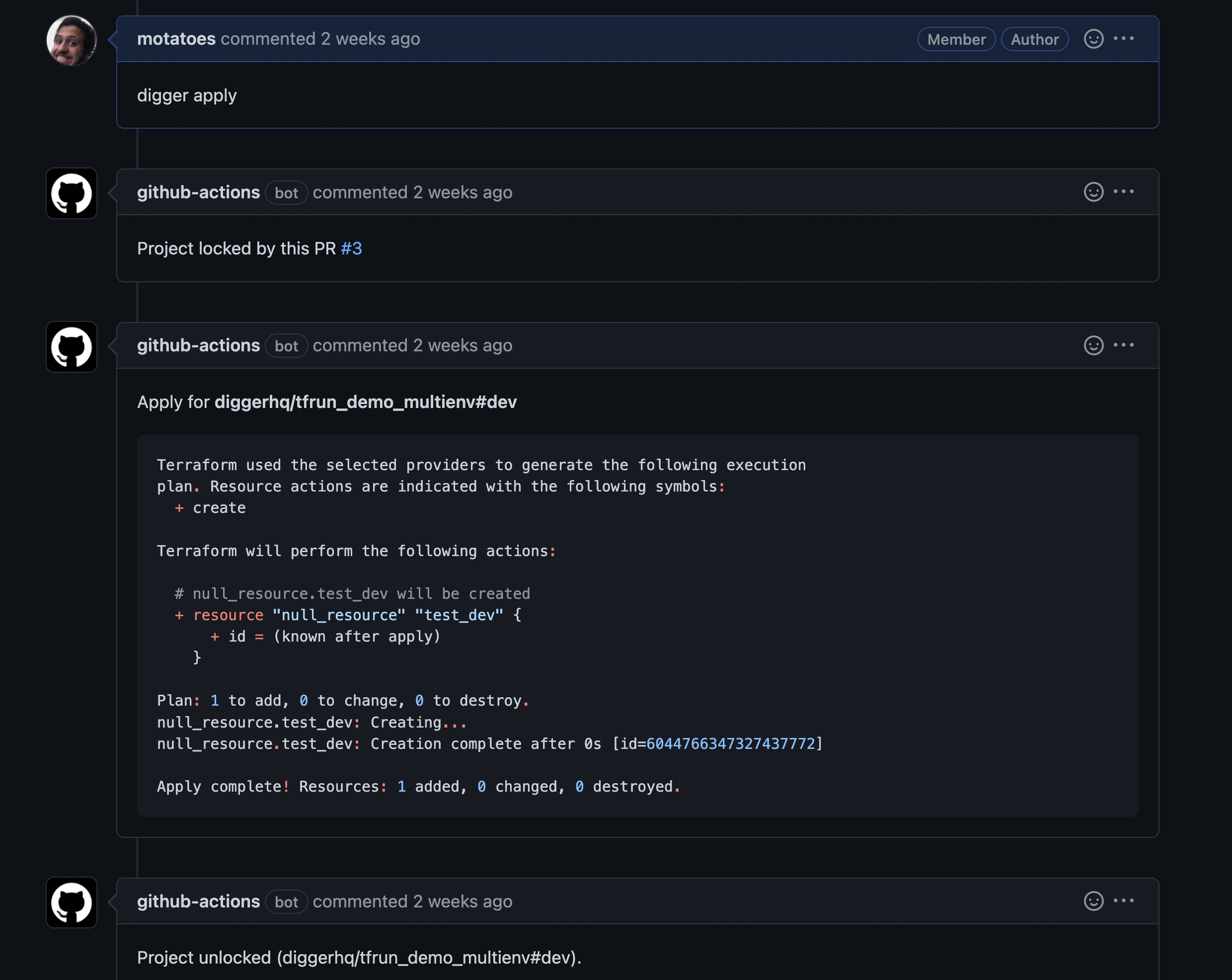
In this tutorial we will be using a repository in order to configure a terraform pipeline https://github.com/diggerhq/digger-gcp-lock-demo. In order to use GCP with Digger we follow the steps below: Let’s create our first pull request with a change and see this in action:Documentation Index
Fetch the complete documentation index at: https://docs.opentaco.dev/llms.txt
Use this file to discover all available pages before exploring further.
- Fork the demo repository
- Enable Actions (by default workflows won’t trigger in a fork)

- In your repository settings > Actions ensure that the Workflow Read and Write permissions are assigned - This will allow the workflow to post comments on your PRs

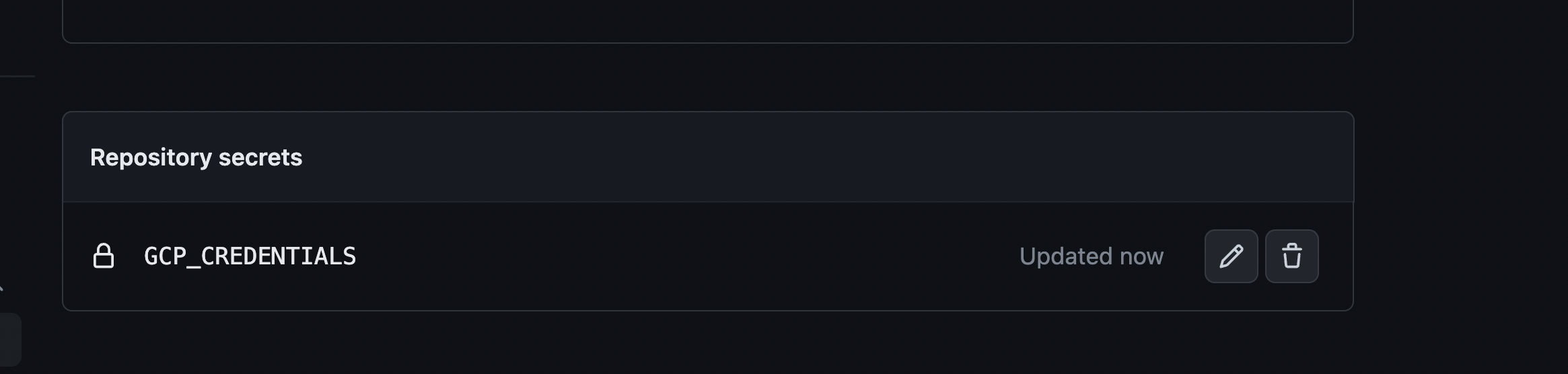
- Add environment variables into your Github Action Secrets (cloud keys are a requirement since digger needs to connect to your account for coordinating locks). Use this guide to get the value for it:
- make a change in
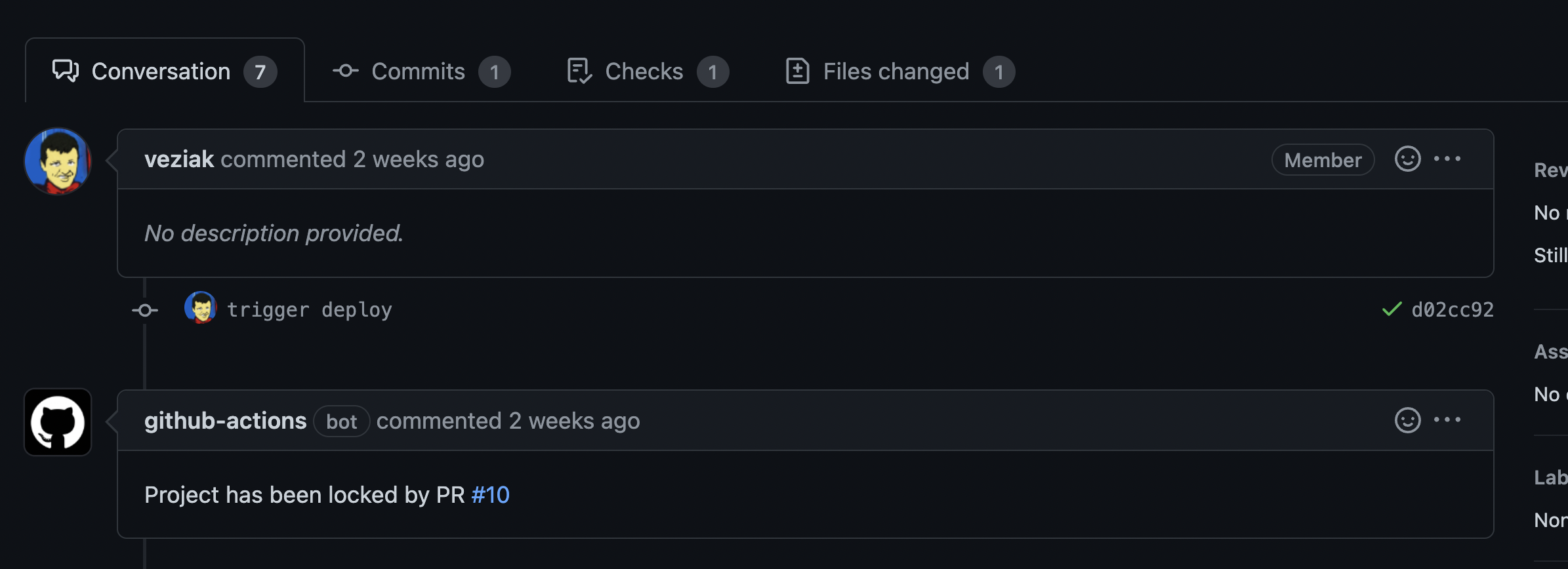
main.tfand create a PR - this will create a lock
- comment
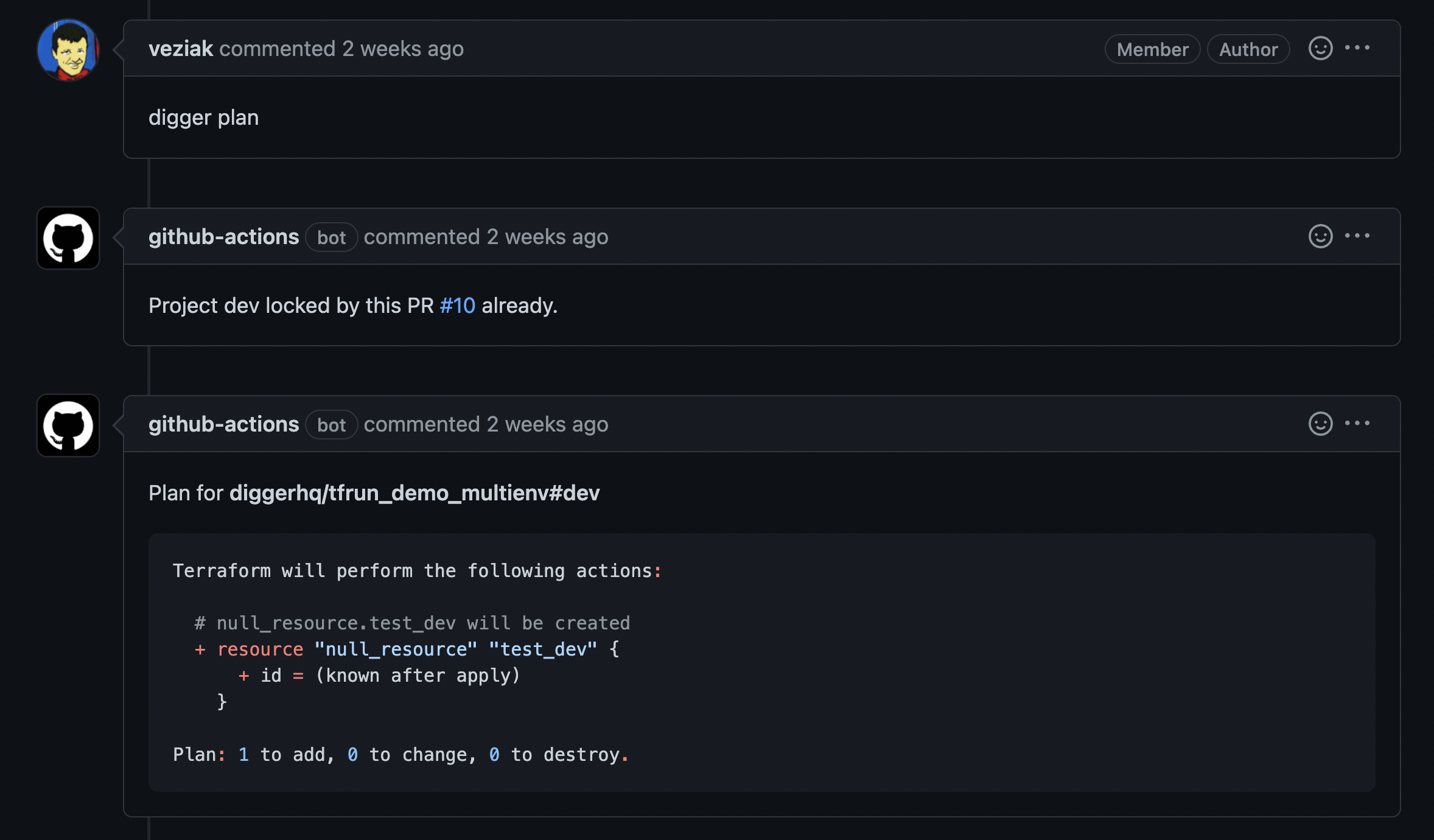
digger plan- terraform plan output will be added as comment. If you don’t see a comment (bug) - check out job output
- create another PR - plan or apply won’t work in this PR until the first lock is released
-
You should see
Locked by PR #1comment. The action logs will display “Project locked” error message.

- Lets apply the first PR and merge it to unlock the flow for our colleagues