

OpenTaco State Management helps you create and manage Terraform/OpenTofu state backends centrally, so your team can use consistent backend configuration, shared access controls, and state history across environments. OpenTaco state management implements an interface compatible with HCP Terraform, so this can be used as a drop-in replacement workflow forDocumentation Index
Fetch the complete documentation index at: https://docs.opentaco.dev/llms.txt
Use this file to discover all available pages before exploring further.
terraform login / tofu login and cloud block usage.
Prerequisite: Set up your OpenTaco account.
Create first unit
In OpenTaco, a unit is a single managed state backend (workspace) for one root module/environment combination.Create your first unit from the UI, give it a name, and click create.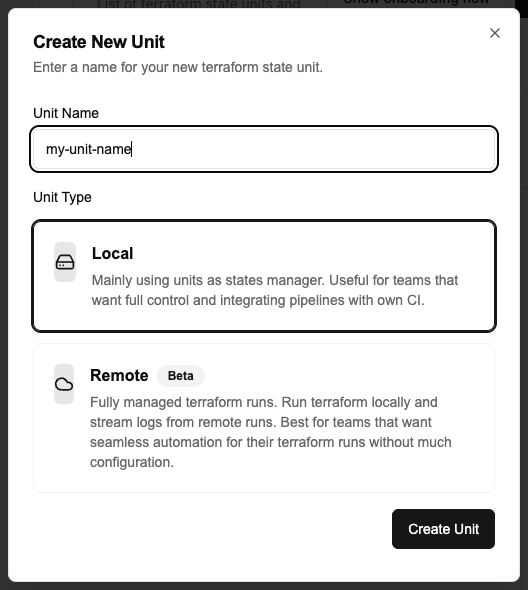
Configure cloud block
Start with a minimal root module to verify state management end to end before wiring your full infrastructure code.Create a
main.tf:Your cloud block should follow this structure (replace placeholders with your real values from the unit details page https://otaco.app/dashboard/units > View Details):Authenticate with Terraform / Opentofu
Using the cli you can run the following command to authenticate:You will have to confirm and will then be redirected to a token generation page. This page
will allow you to generate a token and you can copy paste it back into the cli.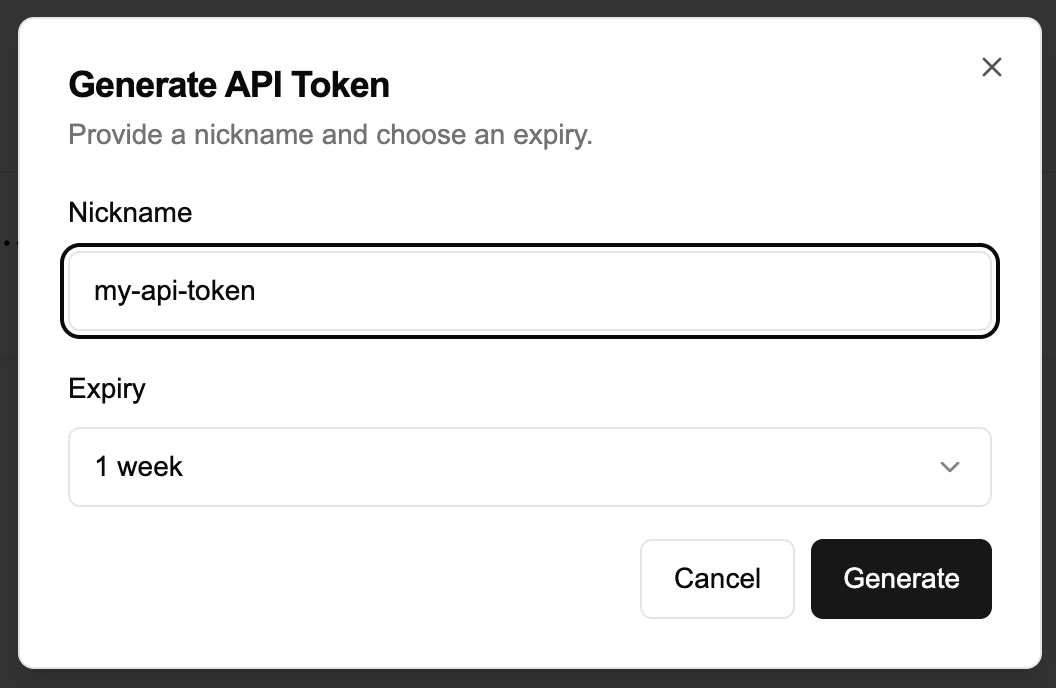
Next steps
- If you want to use remote execution, continue with Remote Runs (Beta).
- Otherwise, continue with PR Automation onboarding.